
Labels Screen
Labels help you categorize your streams, making it easier to organize and manage large numbers of inputs, outputs, and routes. The Labels screen lets you create and maintain these tags.

Note
The observer account cannot add or edit labels.
Various elements appear as shown in the following figure, and they are each described below.
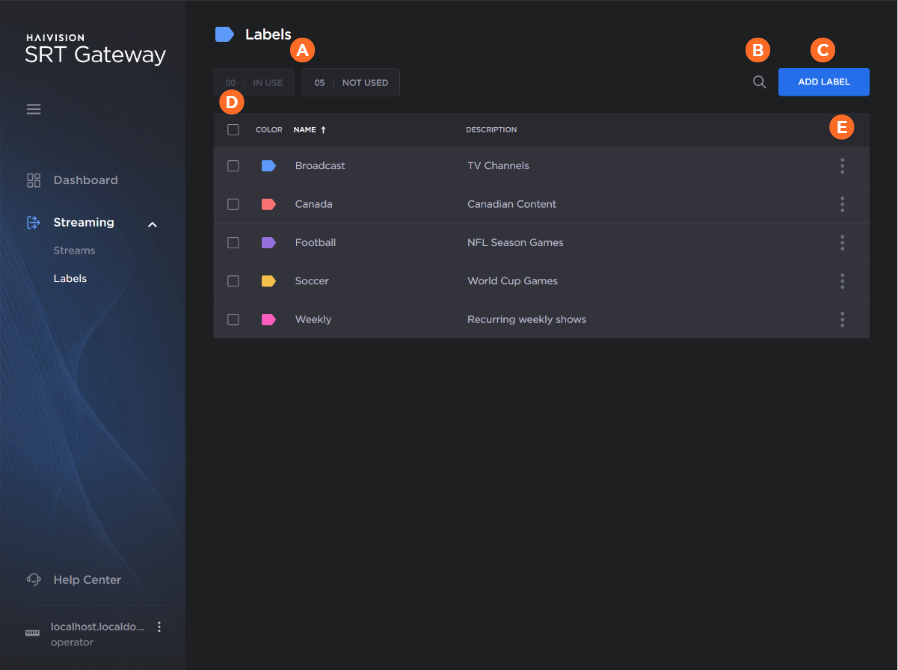
| The label status buttons (in use and not used) can be used to filter the labels list. |
| Clicking the |
| Click the Add Label button to create a new label. See Adding a Label for more details. |
| Use the checkboxes to delete multiple labels. See Editing and Deleting a Label for more details. |
| Clicking the |


See TBD for more details of using this screen.