
Adding a Label

Tip
A label can also be created when adding or editing a route, input, or output by typing the new label in the text box and pressing the Enter key.
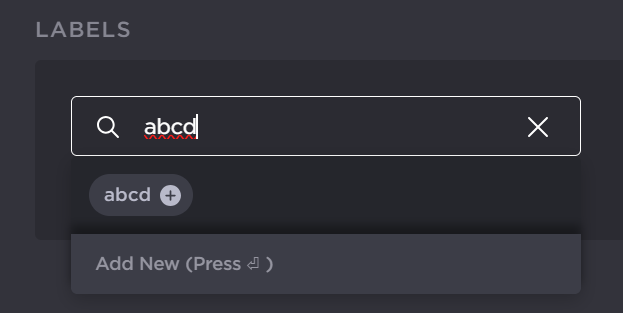
New Label
On the Labels screen, to create a label:
In the sidebar, click Streaming > Labels.
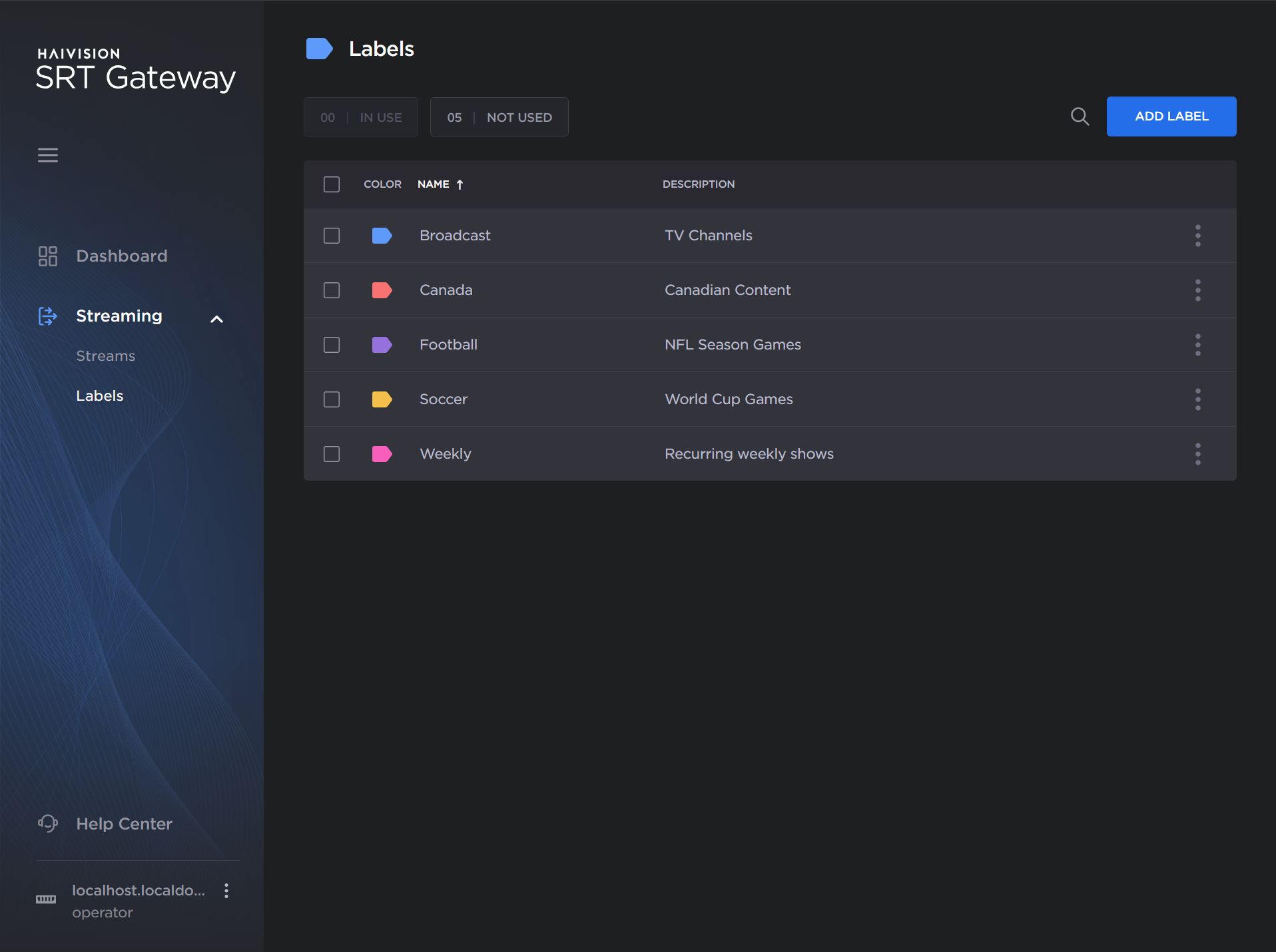
Labels screen
Click the Add Label button.
Enter a name and description for the new label, and select the desired color.
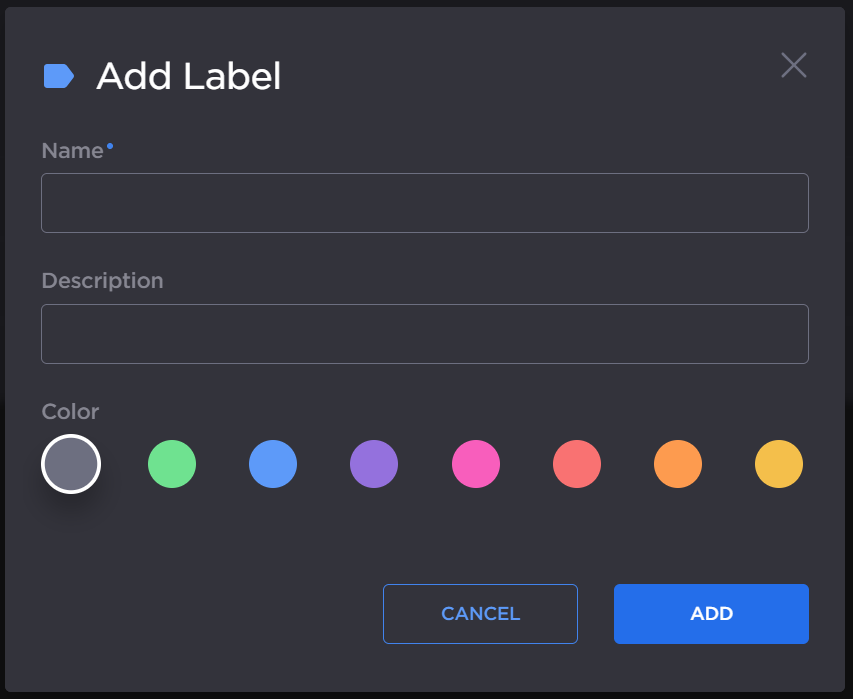
Add Label
Click the Add button.
The new label is added to the list, and may be applied to any route, input, or output.