
Setting a Password Expiration Duration
To specify the duration after which passwords expire, follow these steps:
SSH into your Gateway.
Elevate to root:
su rootCreate the file:
/opt/haivision/madra/data/password_settings.jsonAdd the following content to the file, where the integer value represents the number of days after which passwords expire. The value must be between 1 and 90.
CODE{ "lifespan":2 }

Note
When the password of the operator or user account expires, the password must be changed by the haiadmin account.
When the password expires, after signing in the user is redirected to a Password Expired dialog:
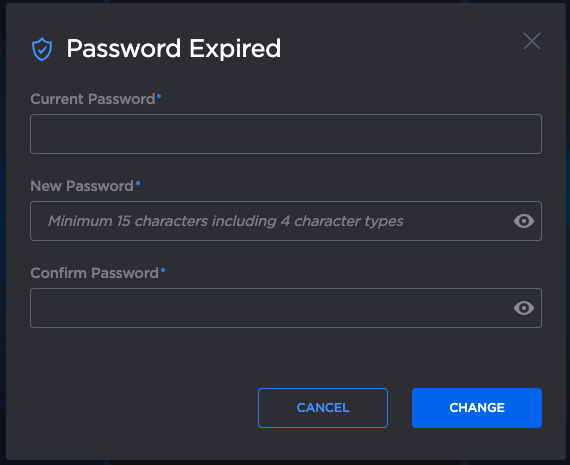
Password Expired
To remove the password expiration:
SSH into your Gateway.
Elevate to root:
su rootDelete the file:
rm /opt/haivision/madra/data/password_settings.json