
Command 360 Utilities
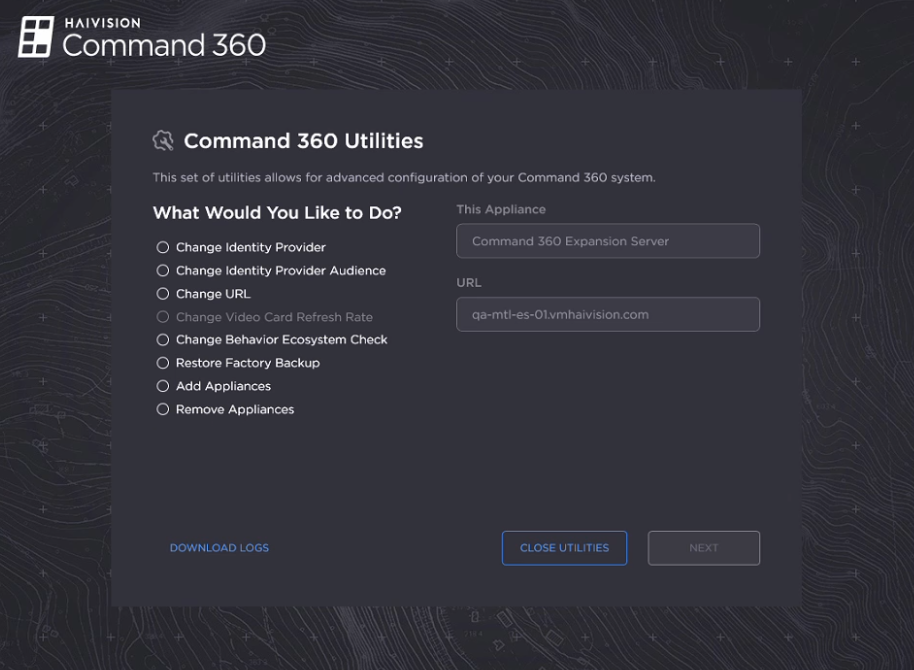
The Command 360 Utilities application allows administrators to make changes to the Command 360 environment.

Important
To collect system logs, open Utilities and click Download Logs on each machine in the environment. In version 4.5, it is not possible to extract logs from all machines at once.
To access Command 360 Utilities:
Log in to the server where you wish to make changes.
Navigate to C:\Haivision\Tools.
Double-click Command360Utilities.exe. Once launched, the following functions are available: